
Lakewood Police Blotter Search
Lakewood Township is one of the fastest-growing communities in Ocean County. The Lakewood police blotter documents arrests, incidents, and law enforcement calls across the township. Searching these records gives you access to information about recent police activity. Records are available through the Township Clerk under OPRA. The police department also has a Records Division that handles report requests. This page explains how to find and request Lakewood police blotter records step by step.
Lakewood Township Clerk
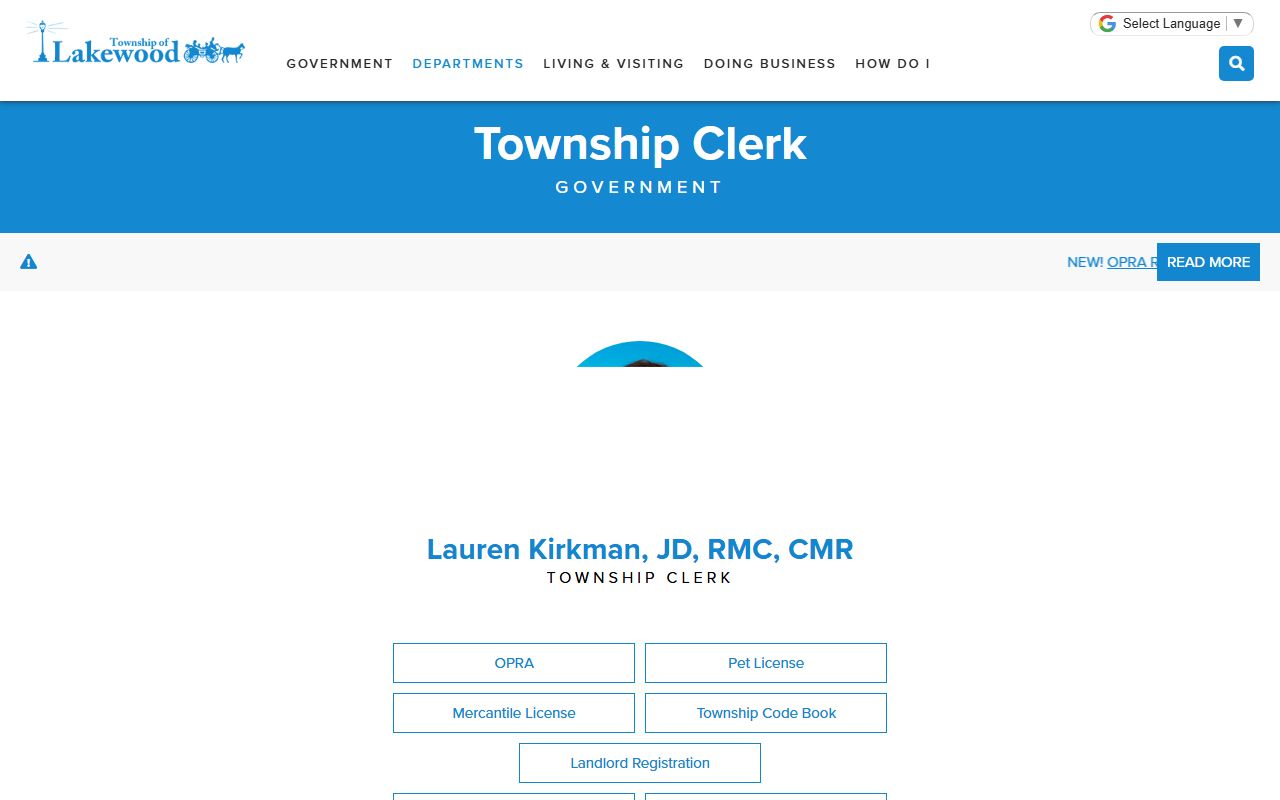
Township Clerk Lauren Kirkman manages OPRA requests for Lakewood. The office is at 231 Third Street, Lakewood NJ 08701. You can email requests to twpclerk@lakewoodnj.gov. Written requests are preferred and should include the record type, dates, and any names or case numbers.
The Lakewood Township Clerk's page has forms and contact details. The office follows the seven-business-day deadline set by state law. Simple requests often get processed faster.
Fees may apply for copies. The Clerk will notify you of any costs before processing your request.
Lakewood Police Records Division
The Lakewood Police Department has a Records Division that handles report requests. You can reach them at (732) 363-0200. The division is open Monday through Friday from 10 a.m. to 5 p.m. They process requests for police reports, accident reports, and other law enforcement documents.
For Lakewood police blotter entries specifically, you can go through either the Records Division or the Township Clerk. The Records Division may be faster for straightforward requests like a single report or a day's blotter log.
Walk-in visits are welcome during business hours. Bring identification and any reference numbers you have.
Note: The Records Division hours are limited. Plan visits accordingly to avoid a wasted trip.
What the Lakewood Blotter Shows
The Lakewood police blotter is a daily log. It records arrests, complaints, and notable incidents. Each entry contains the basics required by New Jersey law. For arrests, that means the name and age of the person, the charges, the time, and the general location.
The blotter also includes information about calls for service that did not result in an arrest but generated a report. These might include domestic disputes, noise complaints, or suspicious activity calls. The level of detail varies by incident type.
Juvenile entries are restricted. Records involving minors are not released to the public. Cases under active investigation may also be partially or fully withheld.
Lakewood Police Blotter FAQs
The Lakewood Township FAQ page covers common questions about police services and records. It includes information about how to file reports, request records, and contact the department.
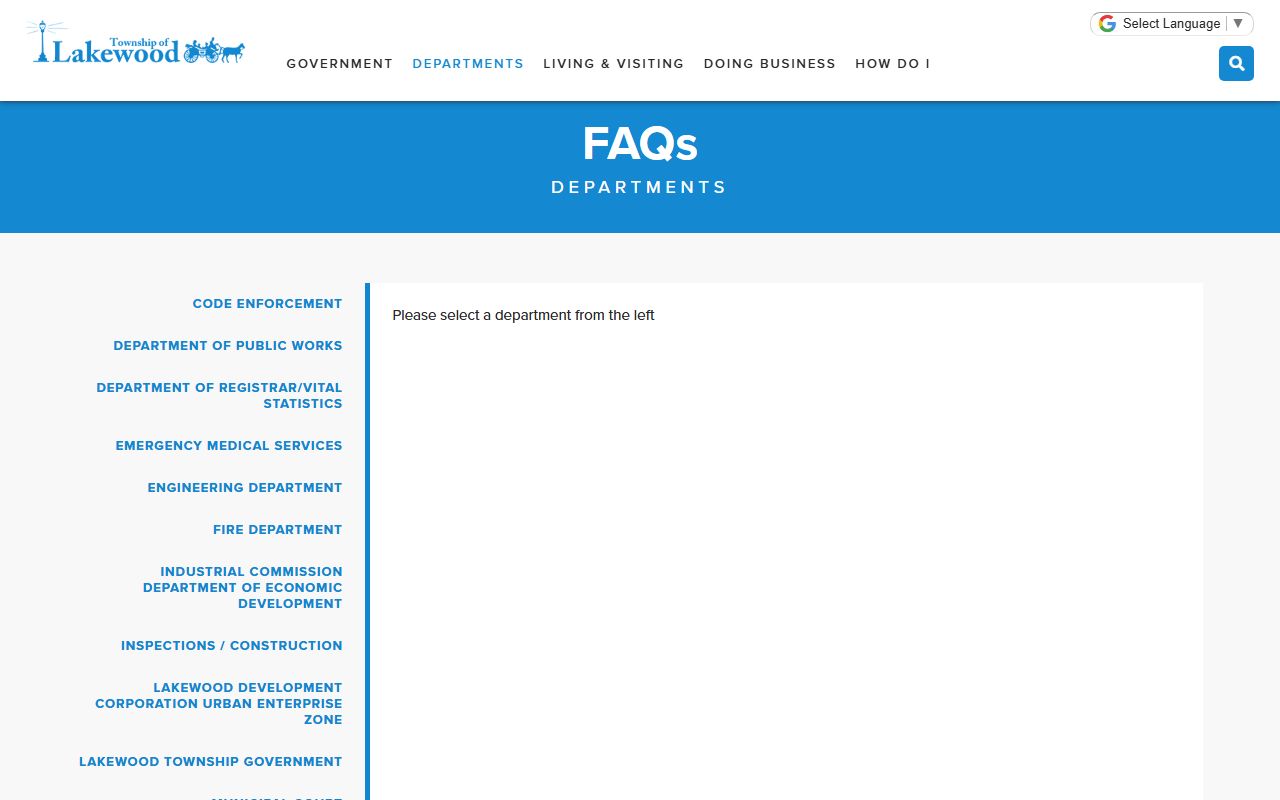
The FAQ page is a good starting point if you are unsure about the process. It covers the basics and links to other township resources that can help with your search.
OPRA Request Process
Here is how to file an OPRA request for Lakewood police blotter records:
- Download the OPRA form from the township website
- Fill it out with specific details about the records you need
- Submit by email, mail, or in person
- Wait for a response within seven business days
- Pay any fees and receive the records
Be as specific as you can. Vague requests take longer and may be denied if the township cannot identify the records you want. A date, name, or case number makes a big difference.
Note: You do not need to explain why you want the records. OPRA does not require a reason for the request.
Ocean County Records
Lakewood is in Ocean County. Cases that start at the township level may move to county court. The county maintains separate records for Superior Court cases, including indictments, plea deals, and sentencing information.
You can access county records through the Ocean County Clerk's office or through the state OPRA portal. Checking both township and county records gives a more complete view of any case that began with a Lakewood police blotter entry.
The county prosecutor's office also holds records for cases they handle directly. These include serious felonies and multi-jurisdictional investigations.
Searching Lakewood Arrest Logs
To find specific entries in the Lakewood police blotter, use these strategies. Start with a name search if you know who you are looking for. Use the full legal name for the best match. Add a date range to narrow results.
For broader searches, request the blotter for a specific day or week. This gives you every logged entry during that period. You can review it for patterns, trends, or specific incidents.
Online searches may turn up news articles about Lakewood arrests. These can give you case details and names to use in your OPRA request. Local media often covers major incidents and can serve as a starting point for research.
Tips for Lakewood Record Requests
Keep your request focused. The more specific you are, the faster the turnaround. If you need a police report, include the report number. If you need the blotter, specify the dates. Township staff process many requests. Clear submissions get handled first.
If your request is denied, you can appeal to the Government Records Council. The appeal is free. The GRC will review the denial and decide whether the records should be released. Most appeals are resolved within a few months.
For more records from this area, visit the Ocean County records page.